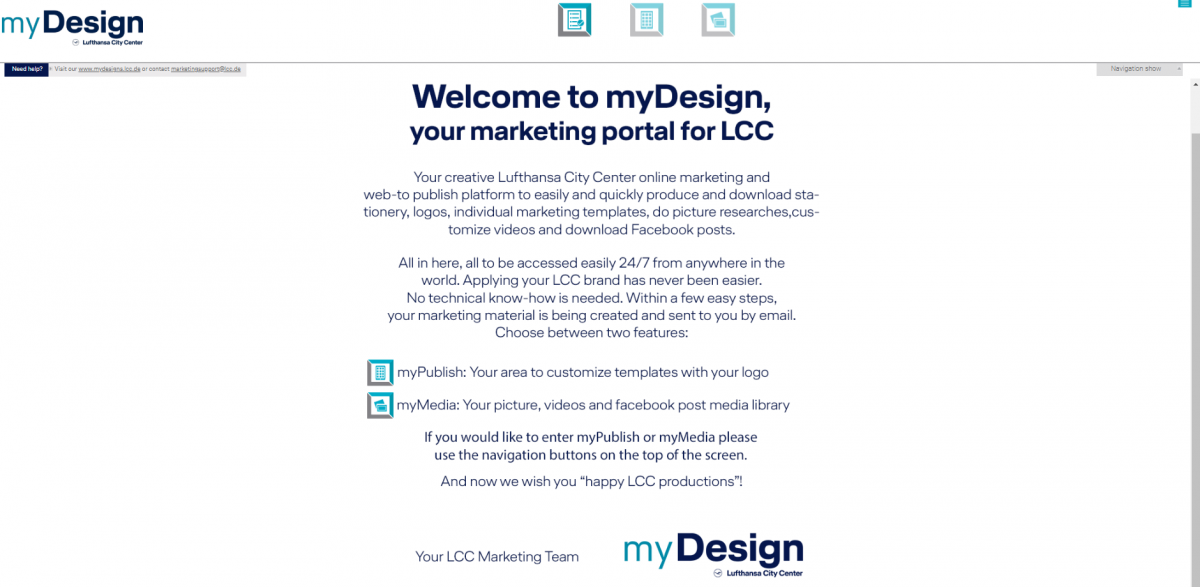
myDesigns: Getting started!
How to login?
Easily login via myLCC - myDesigns is automatically opened with a so-called "Single-Sign-On" from there. This means you do not need to insert or remember any login details, you are automatically identified from myLCC and your myDesign windows with your address data and logo opens automatically.
Where to find myDesigns?
Open www.mylcc.net, choose the toolbox on the right hand side and click "myDesigns" - the rest opens from here.
What if myDesigns does not open automatically?
Then please contact marketingsupport@lcc.de so we can cross check that all installations work properly for you.
Which formats can I receive out of myDesigns?
As PDf is nowadays THE format for all printing companies and designers to work with, myDesigns offers you all files either as JPG (low resolution) or as PDF (high resolution) EPS files (encrypteed postcript files) cannot be ordered. High resolution PDFs offer the same output, but are more common to work with!